What is TinkerCAD and How Can You Use It to Build Your Own 3D Prints?

If you’re curious about designing your own 3D prints but don’t know where to start, Tinkercad is the perfect beginner-friendly tool. It’s free, web-based, and super easy to use — making it a favorite for kids, teachers, hobbyists, and makers like me who want to bring their ideas to life without complicated software.

🧩 What is Tinkercad?
Tinkercad is an online 3D design program created by Autodesk. It works right in your web browser (no downloads needed!) and lets you:
Combine basic shapes into 3D models
Add text, holes, and patterns to your designs
Create functional prints like keychains, toys, or even household tools
Export your models as STL or OBJ files for 3D printing
Best part? It’s totally free and accessible to anyone with a computer and internet connection.
🎨 Why Tinkercad is Great for Beginners
Unlike other design software that can feel overwhelming, Tinkercad keeps it simple.
Drag-and-drop shapes (cubes, spheres, pyramids, text, etc.)
Easy resizing and grouping to make more complex designs
Pre-made tutorials that walk you through projects step by step
Kid-friendly — often used in schools and perfect for ages 8+
That’s why I use it in my Beginner 3D Printing Workshops for Kids. It gives them confidence to start designing quickly and actually see their ideas printed.
🔨 How to Use Tinkercad for 3D Printing
Here’s a simple workflow to go from idea → Tinkercad → 3D print:
Create a Free Account: Go to tinkercad.com and sign up with your email.
Start a New Design: You’ll be dropped into the workplane (a grid where you’ll build your model).
Drag Shapes onto the Workplane: Use cubes, cylinders, and text to build your design.
Combine Shapes:
Use “Group” to merge multiple shapes into one object.
Use “Hole” shapes to carve out sections (great for making rings, keychain holes, or custom cutouts).
Export for 3D Printing: Once your design is ready, click Export → STL or OBJ. Import that file into your slicer (like Bambu Studio), then send it to your printer!
🌟 Examples of What You Can Make in Tinkercad
Custom bookmarks with text or icons
Personalized keychains with your name
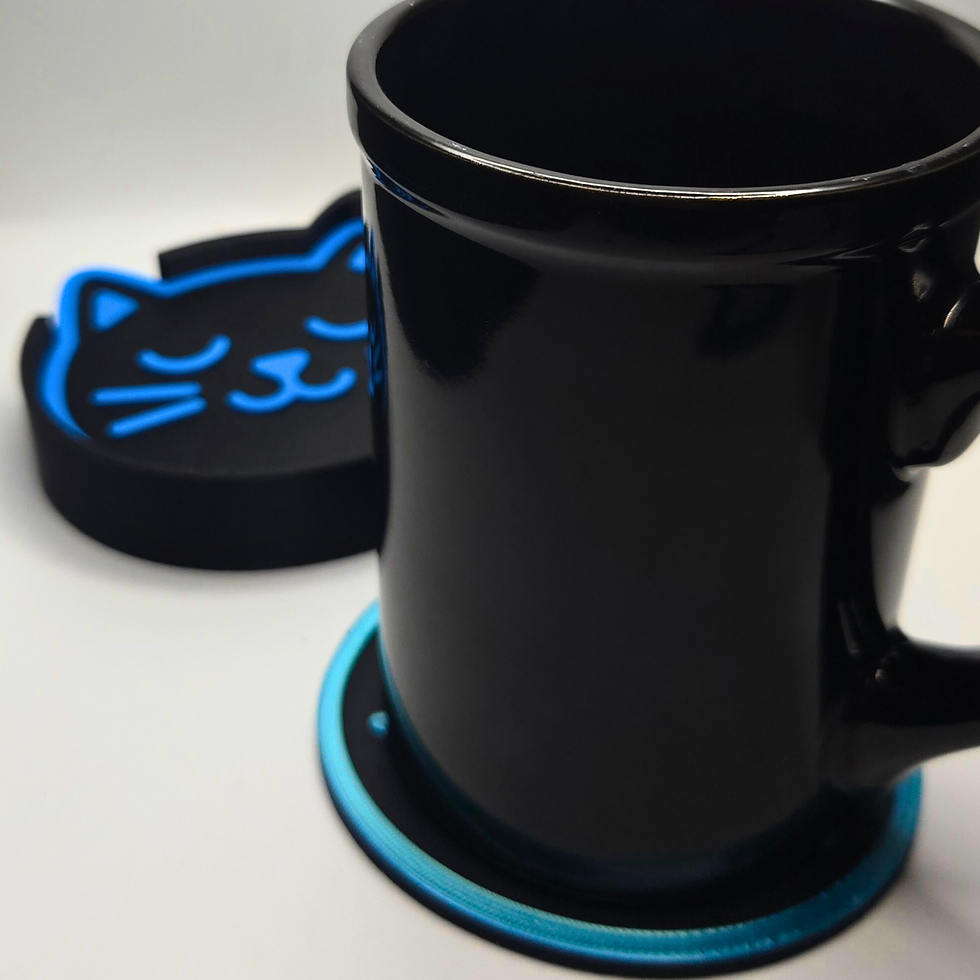
Fun coaster sets
Cute figurines or toys
Simple functional prints (clips, holders, organizers)
If you’re new, start small — like a keychain or name tag — then level up to bigger projects.
🖤 Final Thoughts
Tinkercad proves that you don’t need to be a professional designer to create your own 3D models. It’s free, fun, and the perfect entry point into the world of 3D printing.
Whether you’re designing for yourself, for your kids, or to share on MakerWorld, Tinkercad gives you the power to take an idea in your head and turn it into something real you can hold in your hands.
So if you’ve been curious about 3D design, go ahead and sign up — you might be surprised how quickly you’re making your own custom prints!


https://rr88m1.com/ có đáng để bấm vào coi thử không nhỉ? Mình thử lướt cho biết thôi thì thấy họ làm trang khá “dễ thở”, chữ nghĩa với mấy khung nội dung canh thẳng hàng nên đọc nhanh không bị rối, kiểu nhìn qua là biết đang nói về cái gì. Có đoạn họ để thông tin nguồn gốc/pháp lý ngay trên web nên ai cẩn thận muốn xem sơ cũng tiện, khỏi phải mò vòng vòng hay đoán già đoán non; với lại lúc mình chuyển giữa các mục thì trang phản hồi khá nhanh, không kiểu bấm xong đứng chờ lâu mới hiện. Mình chưa đụng vào game hay khuyến mãi gì, chỉ xem cách trình bày cho người…