Why I Chose the Bambu Lab A1 Mini as My First 3D Printer

Hey there! I’m Megan — maker, mom, and creative chaos coordinator behind Layered Loot. I’ve been eyeing the world of 3D printing for a while now, but I finally took the leap and bought my first printer: the Bambu Lab A1 Mini. And I have zero regrets.
If you're curious about what makes this tiny-but-mighty printer so special (and what I'm planning to make with it), you’re in the right place.

Why 3D Printing?
I’ve always had a soft spot for creative projects — from crocheting monsters to designing homeschool printables. But when I discovered what people were doing with 3D printing? Game over. I instantly saw the potential for:
Custom bookmarks and keychains
Coaster sets and plant pals
Fun Halloween-inspired décor
Functional stuff like homeschool tools and desk accessories
…and even those ridiculously fun “clickers” and fidget toys
Let’s just say the possibilities sparked something.
Why I Picked the A1 Mini
Choosing my first printer was intimidating. I wanted something beginner-friendly, reliable, and capable of printing detailed designs without needing a PhD in firmware. After weeks of research (and lurking in way too many Reddit threads), I landed on the Bambu Lab A1 Mini — and here’s why:
✅ Budget-friendly — especially compared to other Bambu options
✅ Auto bed leveling (bless)
✅ Fast & quiet — I can run it while working or homeschooling
✅ Compact size — doesn’t take over my whole space
✅ Great print quality out of the box — and it just works
It felt like the perfect “start here” printer for someone who wants to create both for fun and business.

What I’m Making with It
Here’s the fun part — the why behind the printer.
My brand, Layered Loot, is all about quirky, curated charm. Think: neon chaos meets cute monsters. With the A1 Mini, I’m creating:
Bookmarks with bubbling cauldrons and crescent moons
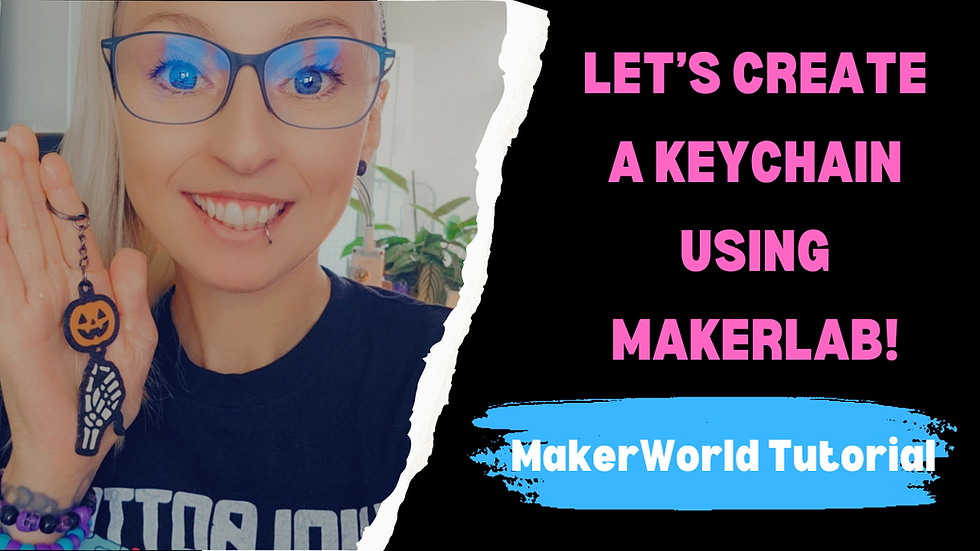
Keychains that look like mini mythical creatures
Coasters shaped like cat heads and spooky flowers
“Clickers” and fidget toys for sensory fun
Miniature decor & collectible charms to sell or gift
I’ll be uploading free STL files on MakerWorld, and also launching physical versions in my shop. Basically, this little printer is the foundation of a big creative dream.
Lessons Learned (So Far)
Let’s be real: I’m still learning. A lot.
My first print? Way smoother than I expected.
Slicing settings? Still experimenting.
Filament obsession? Real and growing.
Print fails? Yep — but nothing that’s made me want to give up.
The best part is, even with zero experience, I already feel like I can make cool stuff — and that’s empowering.
What’s Next?
I’ll be documenting the whole journey — the wins, the mess-ups, the design process, and everything in between. Whether you’re just starting out or looking for new ideas, I hope you’ll follow along.
Coming soon:
How I design with AI + Tinkercad
Uploading your first model to MakerWorld
Seasonal print ideas + themed bundles
My growing collection of spooky, magical, and functional prints
You can catch more behind-the-scenes on TikTok and YouTube. I’m keeping it real, beginner-friendly, and a little chaotic — just the way I like it.
Final Thoughts
If you’ve been thinking about getting into 3D printing, here’s your sign. You don’t need a massive setup or a ton of technical know-how to start creating. The A1 Mini gave me the confidence to hit “print” — and now I can’t stop.
Let’s make some magic.

thoitiethomnay.org có đáng để mình mở mỗi sáng không nhỉ, ờ thì mình thử vài hôm và kiểu… mở lên phát là nó quăng ngay nhiệt độ hiện tại với “cảm giác như” vào mặt luôn, khỏi phải kéo kéo tìm chỗ xem nhanh. Mình hay xem trước khi ra ngoài nên cái kiểu hiển thị gọn vậy hợp thật. Phần chọn tỉnh thành phố đặt khá rõ, bấm cái là sang trang địa phương luôn. Nhìn số liệu cũng ổn vì thấy họ ghi cập nhật liên tục trong ngày nên mình đỡ cảm giác đang đọc thông tin cũ. Giao diện không màu mè. Chữ nhiệt độ to, dễ liếc. Mấy khối thông tin xếp thẳng hàng nên…
rr88 mình cũng kiểu nghe người ta nhắc hoài nên bấm vào xem thử cho biết thôi, chứ không có rảnh ngồi đọc kỹ từng thứ. Vào cái là thấy giao diện khá “dễ thở”, nền nhìn thoáng và các khối nội dung tách bạch nên lướt xuống không bị rối. Mình thích nhất là mấy phần thông tin trình bày dạng bảng cột nhìn gọn, liếc qua là hiểu ý chính chứ không phải căng mắt dò. Thanh menu đặt chỗ dễ thấy nên chuyển qua lại giữa các mục nhanh, không phải mò mẫm nhiều. Nói chung cảm giác họ sắp xếp hợp lý, kiểu ai mới vào cũng không bị lạc, vì các khối nội dung và…
keo nha cai đang được nhắc tới ở đây làm mình chợt nhớ lần trước mình có lướt qua một trang giải trí trực tuyến cho biết thôi, kiểu xem dùng có “dễ thở” không. Mình vào như người bình thường, chủ yếu nhìn giao diện với cách họ đặt thông tin có gọn mắt hay không. Điều mình thích là thanh menu để ngay chỗ dễ thấy, chuyển qua lại vài mục khá mượt nên không bị rối. Nội dung trên trang cũng chia thành các khối dạng ô và danh sách, nhìn thoáng là phân biệt được phần chính với phần phụ. Mình không ngồi đọc kỹ từng dòng, nhưng cách họ bày bảng dữ liệu theo cột…
Bài viết này trình bày ngắn gọn mà dễ hiểu, mình đọc liền một lượt là nắm được ý chính, cảm ơn bạn đã chia sẻ. Bình thường mình cũng có thói quen xem thống kê XSMB mỗi ngày để theo dõi cho tiện, nhưng trước đây cứ phải mở nhiều nguồn khác nhau nên khá mất công và tốn thời gian. Gần đây mình tự gom lại thành một trang riêng để lưu, lúc cần chỉ việc mở ra xem nhanh. Khi muốn kiểm tra chéo cho yên tâm thì mình thỉnh thoảng xem thêm ở https://soicau247.com/soi-cau-3-cang-mien-bac.html để khỏi bỏ sót dữ liệu. Ai hay theo dõi số liệu cập nhật theo ngày như mình chắc sẽ thấy cách…